Signature generator
Signature generator: which kind gives you a real signature you can write by hand?
A signature generator turns your name into a signature, but there are three kinds: font-based name images, drawing pads for e-signing, and designers that draw a hand-writable signature for your name. Calligra is the third kind: it scores your current signature, designs a new one and teaches you to write it, stroke by stroke.
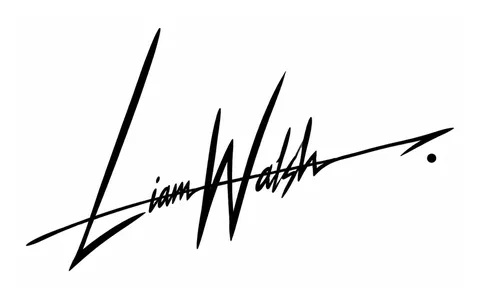
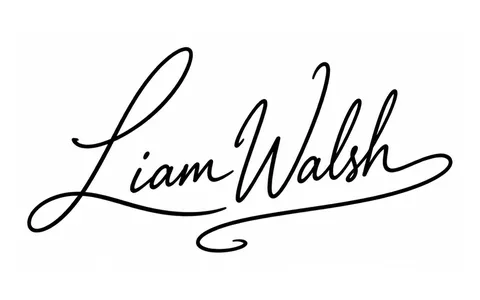
Search for “signature generator” or “signature maker” and you'll get very different tools under the same name. Some write your name in a calligraphy font in a couple of seconds, some let you draw into a PDF with a mouse or finger, and a few actually design a signature that you then write with your own hand. The difference matters: the first two give you an image, the third gives you a movement you can repeat on paper. This guide walks through each kind, what to look for when you choose, and how Calligra works, so you can decide which one you actually need.
What is a signature generator?
“Signature generator” is used for any tool that produces a signature-like image or form from your name. It's an umbrella term covering three quite different things, each made for a different job.
- Font-based name images. You type your name, pick a handwriting-style font and get an image. Quick, but it's typing, not your hand.
- Drawing pads for e-signing. You draw your existing signature with a mouse, finger or stylus and get it back as an image or placed in a document. It records; it doesn't design.
- Signature designers. They design a new, hand-writable signature from the letters of your name and teach you to write it. This is the kind that gives you a signature that comes out the same on paper, with a pen.
Before choosing, decide what it's for: signing a PDF quickly, the bottom of an email, or a new signature you'll use for years on contracts, ID documents and at the bank.
1. Font-based generators: a quick name image
These are the most common. You type your name, the tool shows it in ten or twenty handwriting fonts, you pick one and download it. For a decorative name, the bottom of an invitation or a quick mock-up, that can be enough.
- The upside: it's ready in seconds and you can try lots of moods.
- The catch: anyone can produce the same image with the same font, so it isn't unique.
- Hard to write by hand: font letters are drawn one by one, not as a single flowing line, so they rarely come out the same with a pen.
- No teaching: you never learn the order, direction or pace of the strokes.
If one of those images appeals to you, use it as a starting point: it tells you which slant, capitals and loops you like. As a signature, it only works once you've translated it into your own hand.
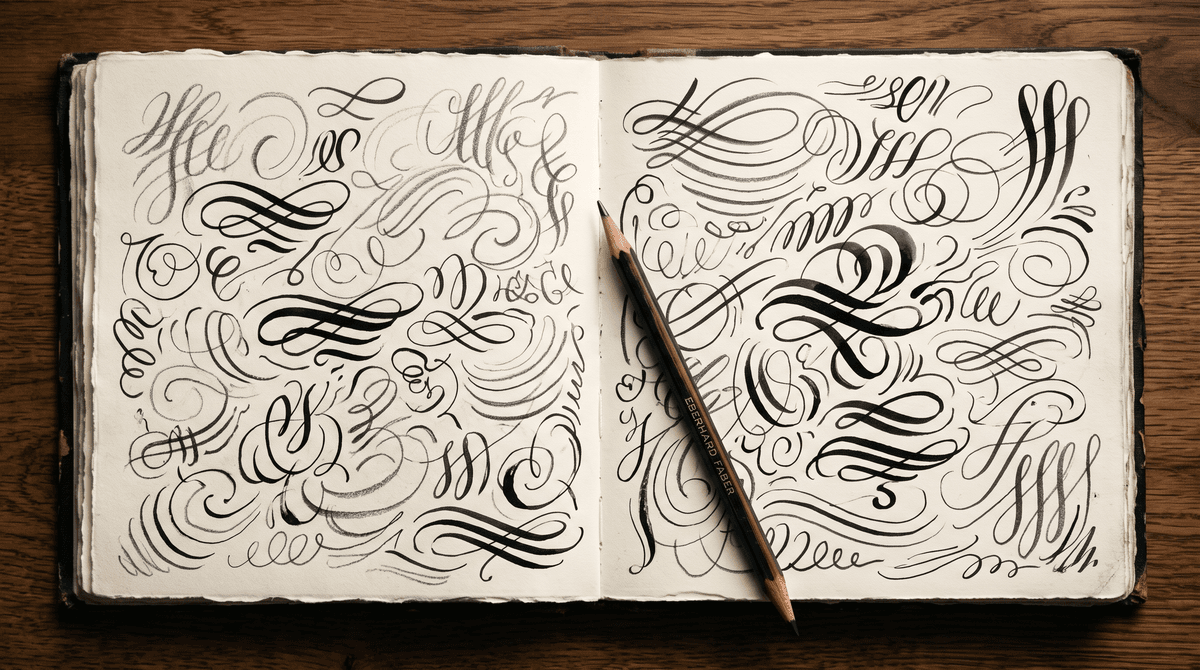
2. Drawing pads: your existing signature as an image
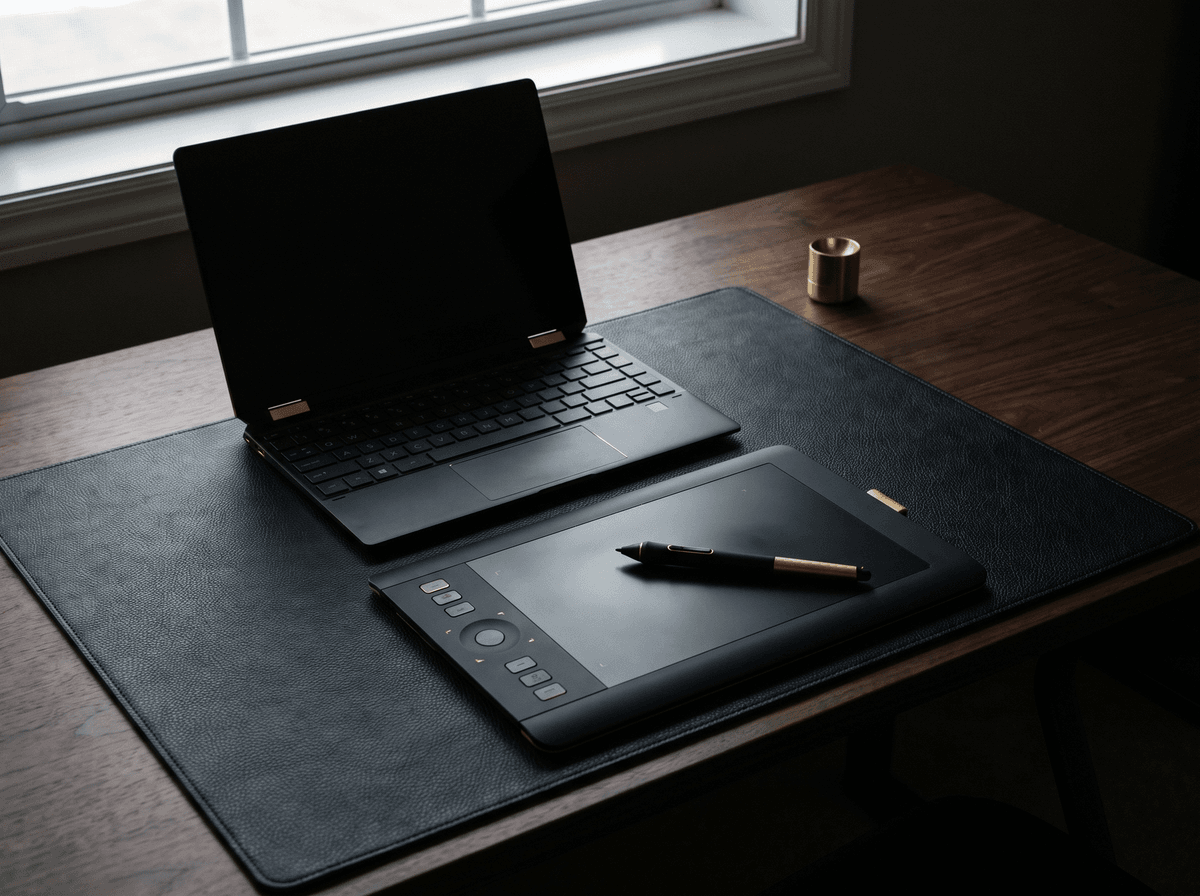
The second kind doesn't really generate anything; it records. You draw your current signature on a pad with a mouse, finger or stylus and get it back as an image or dropped straight into a PDF. Most e-signing services and PDF readers use a pad like this.
You need one when a document has to be signed quickly on your computer or phone. We cover how to do it step by step in this article, and on a phone in a separate guide. A pad doesn't improve anything, though: if your signature is shaky on paper, it will be shakier on a screen.
3. Signature designers: a new signature you write yourself
The third kind starts where a good signature designer would: it builds a form from the letters of your name that can be written in one flowing movement, and shows you how. The result isn't an image to paste in, but a signature you learn, and from then on write the same way anywhere, with a pen, on paper.
Three things matter here: that it's really drawn for your name (not your name typed over a ready-made template), that it starts from human handwriting, and that it teaches you, because a designed signature only becomes yours once your hand has learnt it.
- An image of your typed name in a font
- Anyone can produce the same one
- Hard to repeat by hand on paper
- Doesn't show the stroke order
- A form drawn from the letters of your name
- Every drawing unique, made for your name
- Writable by hand in one flow
- Teaches you step by step
Which one do you need?
- You need to sign a PDF right now: a drawing pad. Record your existing signature and you're done.
- You want a signature image for your emails: ideally that should be your own signature too. How to set up an email signature is here.
- You want a new signature because yours is a scribble or you don't like it: a signature designer. It's the one that gives you something you'll write the same way on paper for years.
- You're looking for your first signature (first ID, first bank card): a designer, with a simple, legible form. There's a separate article on that.
- You only want inspiration: browse signature ideas by style before you generate anything.
What to look for in a signature generator
Before you type your name into any site, run through these seven checks. A few seconds will tell you whether you're getting an image or a signature.
- 1Is it drawn for your name, or typed in a font? If every name comes out in the same set of letters, it's a font. A designer builds each name differently.
- 2Can you write the result by hand? Check whether the line breaks up or flows in one movement. What a pen can't do is just decoration.
- 3Does it teach you? Without stroke order, direction and pace, a design stays a nice picture.
- 4Is there a more legible and a shorter version? You need one form for contracts and one for small boxes. More on legibility here.
- 5Does it show several styles? A good tool shows the same name elegant, clean and dynamic, so you have a real choice.
- 6Does it assess your current signature? If you know what's weak (legibility, speed, balance), you can improve it on purpose.
- 7What happens to your signature image? Your signature is personal data. Check what the site stores and how to delete it. The basics of protecting it are in this article.
How Calligra works
Calligra is a signature designer, the third kind. It runs in the browser on your phone and computer, with nothing to download. It takes four steps.
- 1Type your name. The name you sign with, or someone else's if you're designing one as a gift.
- 2Sign the way you do now. With your finger, on the screen. You get a score on five criteria straight away, with the reasons.
- 3Pick a style. From more than 30 celeb styles, such as Movie star, Prima donna, Influencer, Diplomat or Monogram, with or without an underline. The app draws it for your name in real, human handwriting; if you don't like it, ask again, and every drawing is different.
- 4Learn it. We break it into eight steps at most, show it in an animation you can slow down, and the practice pad scores every try.
Your designed signatures are saved to your profile, so you can come back to them and practise any time. Try it with your name: it takes a few minutes to see your name as a real signature.
What the score measures: the five criteria
We score your current signature out of 100 and explain every number. The same five criteria are worth keeping in mind even if you design on your own.
- Legibility: can at least the start of your name or the capital be read?
- Uniqueness: is there a form in it that's only yours, rather than a generic scribble?
- Elegance: how clean are the lines, how deliberate is the finish?
- Balance: are capitals, small letters and finish in proportion, or does the line fall apart?
- Speed: can you write it in one go, without hesitating? In real life a signature is always written quickly.
Can you use what a generator gives you officially?
The short answer: your own handwritten signature, yes; a font image, not everywhere. A signature is yours because you write it. A form drawn by a designer that you've learnt and write with a pen can be used like any other signature. A downloaded font image isn't handwriting, and whether a particular e-signing system or institution accepts it depends on the system and the country.
After the generator: practice makes it yours
Whichever route gets you to a form, the real work comes after: a few minutes a day until your hand writes it without thinking. Slowly at first, following the stroke order, then faster, then in small spaces. The full practice plan is here.
If you'd rather design on your own, the step-by-step guide takes you through it, and if you're curious how the letters of your name shape the design, read how to make a signature for your name.
The one sentence worth taking away
A signature generator can be one of three things: a font gives you an image, a drawing pad records the signature you already have, and a designer draws a new, hand-writable signature for your name and teaches it to you. If you want a real signature, choose one that works from your name, gives you a form you can write by hand, and shows you how to write it.
Questions
What is the best signature generator?
The one built for what you need. A drawing pad is enough to sign a PDF quickly, a font generator for a decorative name image, but for a new signature of your own you need a designer that draws a hand-writable form for your name and teaches it to you. Calligra is that kind.
How does an online signature maker work?
Font-based makers write your typed name in handwriting-style fonts. Drawing pads record what you draw with a mouse or finger. Designers build a new signature from the letters of your name that can be written in one flow, and show you the strokes step by step.
Can I write the generated signature by hand?
A font image, rarely, because its letters were drawn one at a time, not as a flowing movement. A signature designed to be hand-writable, yes: Calligra breaks it into eight steps at most, shows it in an animation and the practice pad scores your attempts.
Can I use a generated signature on official documents?
Your own handwritten signature is yours, however you designed it. A downloaded font image isn't handwriting, and whether a system or institution accepts it varies by country and place. This is general information, not legal advice; for an important document, ask the institution.
How is Calligra different from a font generator?
Calligra doesn't type your name in a font; it draws a signature for your name from real, human handwriting, in more than 30 celeb styles. First it scores your current signature on five criteria, then it teaches you the new one stroke by stroke.
Does it work on my phone?
Yes. Calligra runs in the browser on your phone and computer, with nothing to download. You sign your current signature with your finger on the screen.
What happens to my signature if I upload it?
Calligra stores only what your account needs, never sells or posts your signature, and deletes everything when you delete your account. On any other site, read the privacy policy before you upload your signature.
Try it with your own name
Guides
Knowledge